Package format
A native Debian package (.deb). It is not currently distributed through an APT repository, Flatpak, Snap, RPM or AppImage.
 FT-ITC Analysis
Linux distribution
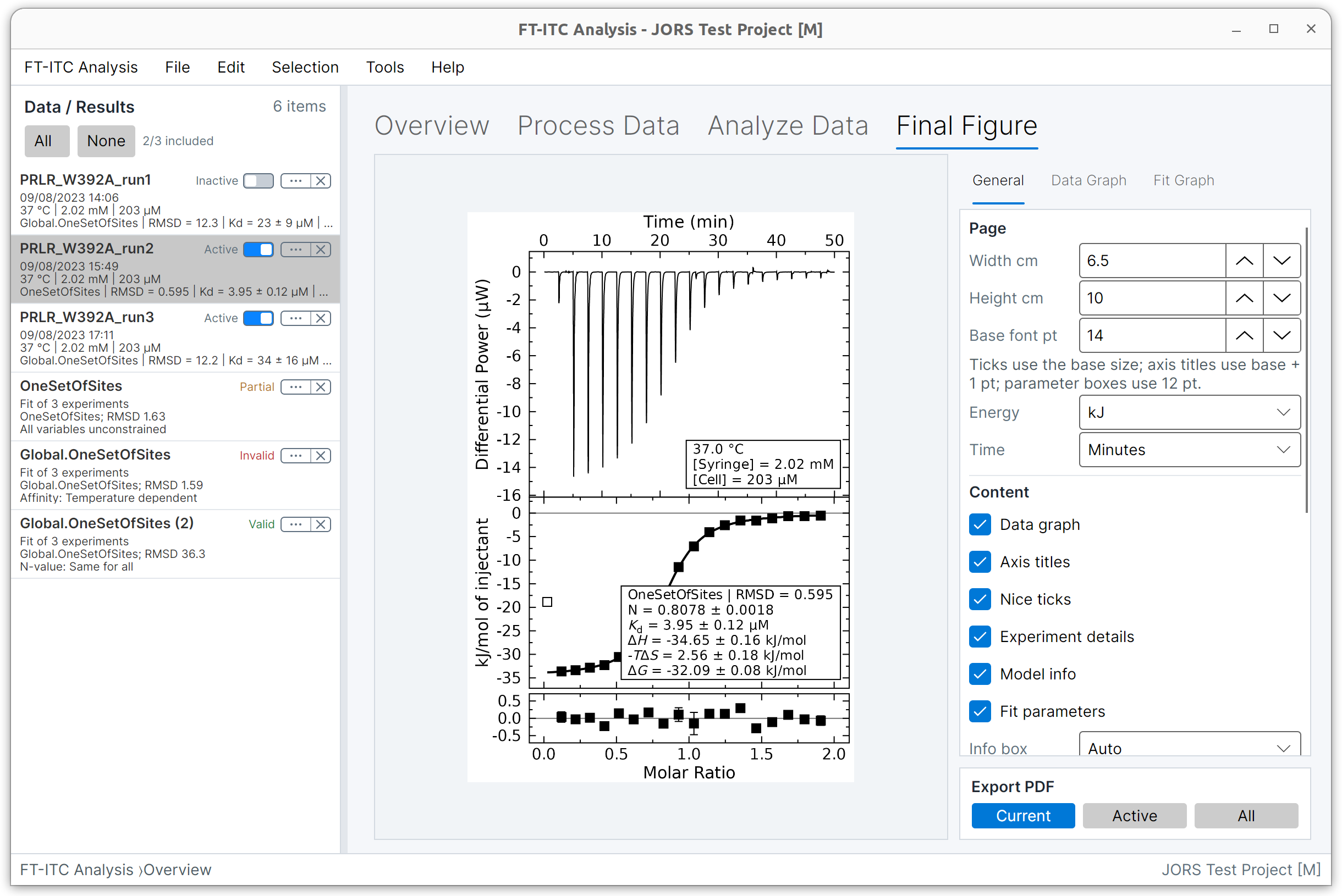
Download the native Linux desktop version of FT-ITC Analysis for processing, fitting and presenting isothermal titration calorimetry data. The self-contained package integrates with the application menu and associates FT-ITC .ftxtc project files with the application.
Linux package
Released 28 Oct 2026 · AMD64 Debian package for Debian-based desktop Linux.
340acfa11ffde2924d7e6f92e532beb53edea309555f9e0f854fe4e3ef78a597
.deb is downloaded directly from the project’s release storage.
System requirements
The Linux download is provided as a 64-bit Debian package for Debian, Ubuntu and compatible Debian-based desktop distributions. FT-ITC Analysis is a graphical application and requires a working desktop session.
A native Debian package (.deb). It is not currently distributed through an APT repository, Flatpak, Snap, RPM or AppImage.
The current package is for AMD64/x86-64 systems, used by most 64-bit Intel and AMD Linux PCs.
The package is self-contained and includes the required .NET runtime. You do not need to install .NET separately.
Check compatibility
If you are unsure, open a terminal and check the architecture reported by Debian’s package tools.
dpkg --print-architectureIf the command reports amd64, the package on this page is suitable for your system.
If it reports another architecture, do not install the AMD64 package.
Installation
Using APT for a local package allows required system dependencies to be resolved automatically.
Download the published AMD64 .deb from the release panel.
cd ~/Downloadssudo apt install ./ft-itc-analysis_1.5.0_amd64.debKeep the leading ./; it tells APT that the argument is a local package.
Open FT-ITC Analysis from the desktop application menu, or start it from a terminal:
ft-itc-analysisUpdating
FT-ITC Analysis does not currently configure an automatic Linux update repository. To update, download the newer .deb and install it with the same sudo apt install ./filename.deb command. APT replaces the previous package while preserving user projects and application preferences.
sudo apt remove ft-itc-analysisTo remove package configuration as well, use:
sudo apt purge ft-itc-analysisRemoving the application does not delete saved FT-ITC projects, original calorimetry data or exported results stored in your folders.
Optional verification
GitHub publishes the SHA-256 digest for the Debian package. Compare it with the downloaded file using the command below.
Download the .deb, open a terminal in the same folder, then run:
echo "340acfa11ffde2924d7e6f92e532beb53edea309555f9e0f854fe4e3ef78a597 ft-itc-analysis_1.5.0_amd64.deb" | sha256sum --check -A successful check reports that the package is OK.
Troubleshooting
Confirm that the system is Debian, Ubuntu or a compatible Debian-based release and that its normal package repositories are enabled. Run sudo apt update and retry. Include the distribution, version, architecture and complete APT error when requesting support.
Run ft-itc-analysis in a terminal and include the complete output in a bug report.
Log out and back in, or restart the desktop session. The package updates the desktop, MIME and icon caches during installation.